
AI Chinese Chess Project
A chessboard that bringsAI engineering to life
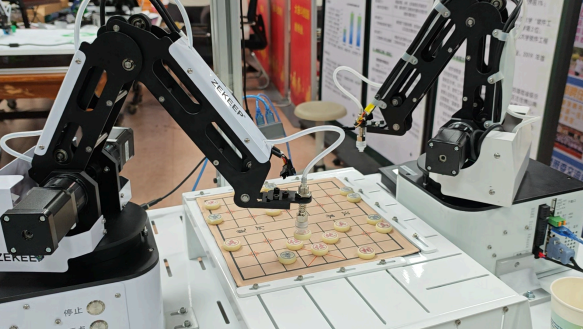
Students use a camera to read the board, a Xiangqi engine to choose a move and two robot arms to play it, then debug how the whole system works.
- Lessons
- 16
- Teaching modules
- 6
- Robot arms
- 2
Connect perception, decisions and motion in 16 lessons
Six modules take a class from setup to a working dual-robot demonstration.
- Lessons 1–2
Set up the chess lab
Connect the camera and robots, deploy the software and check the basic setup.
- Lessons 3–4
Connect ROS 2 nodes
Trace the nodes, topics and messages that link the project.
- Lessons 5–7
Read the board
Detect the board, pieces and positions and turn the image into a board state.
- Lessons 8–10
Choose a move
Connect the Xiangqi engine and turn a board state into a move command.
- Lessons 11–13
Play the move with two robot arms
Plan motion and pick-and-place, then debug how the two arms share the task.
- Lessons 14–16
Calibrate, integrate and extend
Calibrate coordinates and validate the complete perception, decision and motion chain.
Turn one game into a project students can explain
Teams take responsibility for different parts of the system and then connect them. At a demonstration, students can explain how a board image becomes a game state and how a move becomes physical pick-and-place.
- Read the board
- Choose a move
- Coordinate the robot arms
Before the first class
Confirm the camera, two arms, runtime and calibration setup before teaching. Teams can share responsibilities and demonstrate under teacher supervision. The Xiangqi engine selects the move, while the vision module reads the physical board.
A real dual-arm platform to run the game
Explore the ZK-CC Xiangqi robot and how its board, vision, decision software and two arms form one project.
Resources for teachers
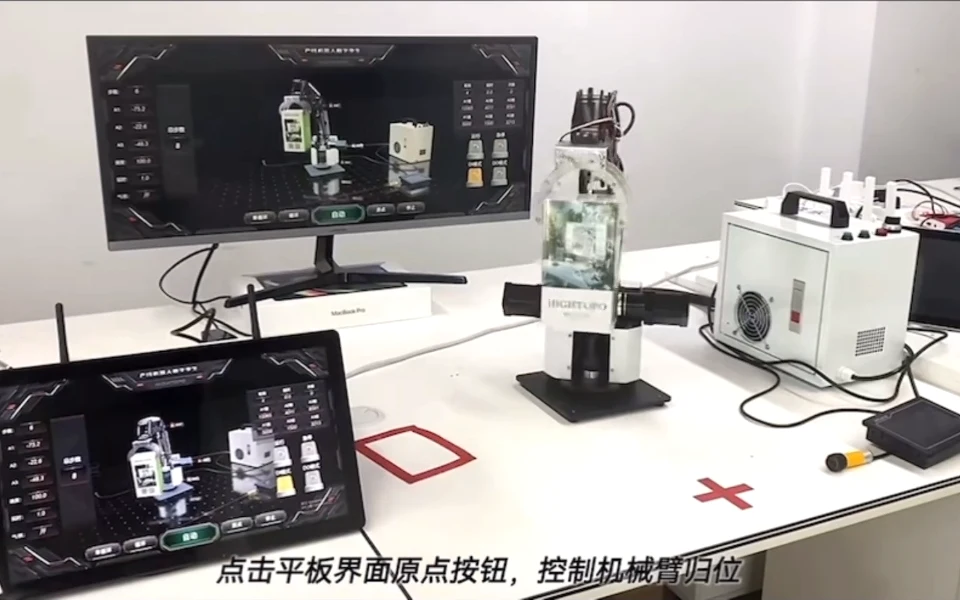
Explore related robotics applications and technical readings to plan lessons and discuss testing and debugging.
Plan the next lesson
Use the resources to choose an appropriate level for your students.
Bring AI Chinese chess to your school
Share expected enrolment, space and timetable. Discuss equipment, team-based practice, teacher support and how students can present their work.
Questions from schools
How long is the project?
The 16 lessons cover setup, ROS 2, vision, game decisions, robot control and calibration.
What can students work on?
Teams can share board recognition, move commands, dual-arm operation and test records, with teachers supervising robot runs and demonstrations.
What does the school need?
Confirm teaching space, equipment and staffing, then check the two arms, camera, software environment and calibration requirements.

