A tray is half-used when one pickup fails and an operator replaces the tray. Where should the program continue? A counter of attempted picks cannot distinguish an empty pocket, a failed grip, an accepted delivery or a part still in the tool. Regular carriers reduce presentation uncertainty, but reliable loading also needs software state that corresponds to the physical material.
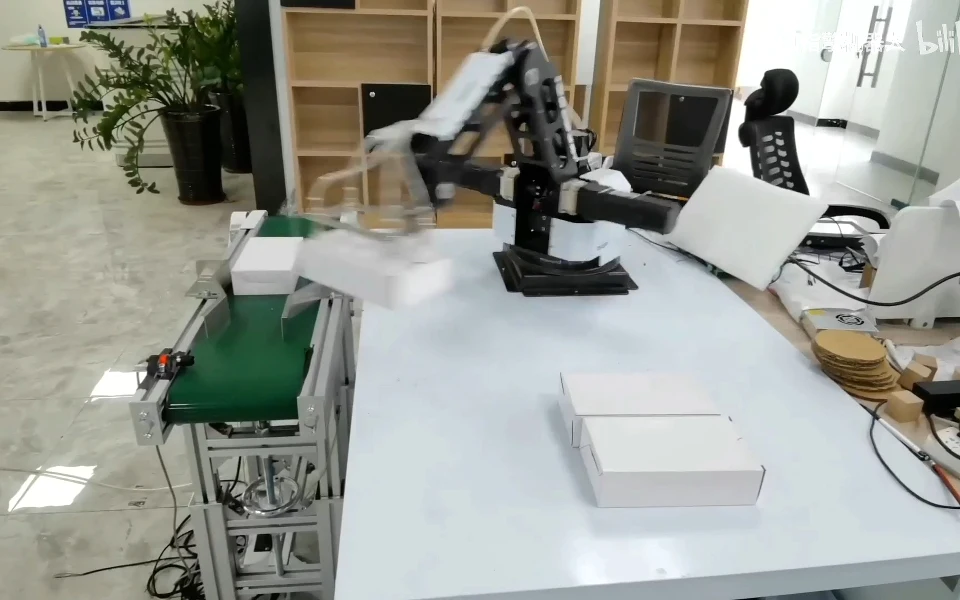
ZEKEEP's compartmented-tray loading application offers a context for examining this logic. Separate the recipe, current task and robot actions: the recipe describes a type of tray, the task describes progress on this particular tray, and the actions perform a transfer only when its conditions are valid.
Put geometry in the recipe and progress in the task
A tray recipe may include its reference, row and column count, pitch, pickup height, tool direction, special pockets and prohibited positions. Associate the part, tool and recipe version so changing a gripper does not leave the previous product definition active.
For a regular planar tray aligned with the working axes, a zero-based column c and row r can generate positions as x = x0 + c × px and y = y0 + r × py. Here px and py are column and row pitch. This illustrates coordinate generation, not a command format for a particular controller. A rotated tray requires an orientation transformation. Unequal heights and irregular pockets require their own definitions rather than an unchanged planar formula.
The robot array-coordinate programming guide develops origins, directions and tool paths. Verify the origin, corners and center first. Check row direction, units, heights and tool access. A different error at the corners can indicate pitch, orientation or fixture deformation. Teaching an individual correction at every pocket may conceal that underlying geometry problem.
Distinguish an empty pocket from a failed pickup
Where missing parts are allowed, suitable sensing or confirmation can establish absence before pickup. The process determines whether to skip, replenish or pause: a machine accepting the next available part differs from a batch requiring a complete set. Gripper closure alone should not increment the accepted-delivery count.
If the pocket should contain a part but grip is not confirmed, suspend the handoff and establish whether the part remains in place, has moved or has an uncertain state. A bounded retry can be designed, but it should follow a renewed location and tool-state check. Returning to the original pocket after the component has already left it can create another fault.
| Event | Check first | Suggested progress treatment |
|---|---|---|
| Empty pocket confirmed before picking | Whether absence is permitted | Mark empty, then skip or await replenishment |
| Expected part not gripped | Physical part and tool condition | Keep incomplete; retry conditionally or request intervention |
| Part held by the tool | Receiver availability | Keep in transit; do not pick the pocket again |
| Receiver confirms acceptance | Release and withdrawal | Commit completion and advance the task |
Commit completion at the agreed handoff
A tray identifier and pocket identifier can distinguish pending, in-transit, accepted and exception states. If external application logic manages them, define which events belong to the robot and which belong to the receiving machine. Storage, communications and persistence across power loss must be checked for the chosen hardware and software. An example state machine is not an assumed built-in product function.
Command submission, arrival, tool release and machine acceptance are different events. A project needing dependable counts should define which confirmation commits completion. Repeated messages should also identify the original task so a retransmission does not create a second physical transfer. Preserve an understandable state before choosing automatic recovery or operator confirmation.
Make tray exchange a controlled transaction
After exchange, confirm tray type, orientation, location and starting progress. Replacing a full tray, replacing an empty one and interrupting a partially used tray are different operations. A returning partial tray needs reliable information about its remaining material. Without that information, use an appropriate confirmation or inspection method rather than assuming the first pocket is available.
After interruption or power loss, check whether the tool carries a part, whether the receiver is occupied and which tray positions have been processed. If software records disagree with the physical scene, the automatic sequence should not guess. Recovery may resume a tray, remove an in-transit part or establish a new task under controlled conditions.
Verify tooling and reach as well as coordinates
For light parts requiring planar rotation, compare the 4060H four-axis servo robot, rated at 1 kg with a 592 mm maximum working radius, and the 4090H, rated at 3 kg with a 717 mm maximum working radius. Complete tool load, center of gravity, inner pockets and machine-entry paths still require validation. A rated load and maximum radius do not make every tray pose usable.
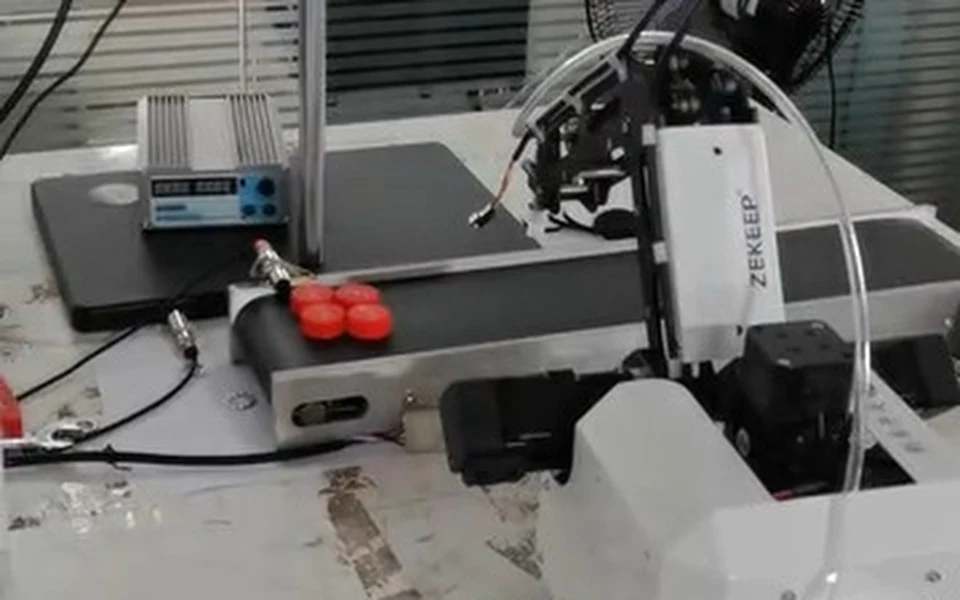
Acceptance should deliberately include an empty pocket, a failed pick, a receiver pause and interrupted-tray continuation as well as full-tray operation. Check that records remain consistent with part locations. Process bookkeeping does not replace safeguarding for tray exchange and access. The transparent-part tray-to-conveyor application provides a related mechanical-presentation example.
For a tray-loading control discussion with ZEKEEP, provide tray drawings, missing-part rules, tool feedback, receiver signals and recovery requirements. A precise account of each pocket's progress is more useful for maintainability than adding taught positions alone.